System and data map
The tools involved, the records they hold, the owner of each record, and the required handoffs.
Business Systems Integration
When your CRM, finance system and operations tools each hold their own version of a record, someone reconciles them by hand. We build the connections that move data between your systems automatically and remove that work. The problem is that nothing moves between it reliably, so people move it by hand. We build the layer that should have been there.
The idea
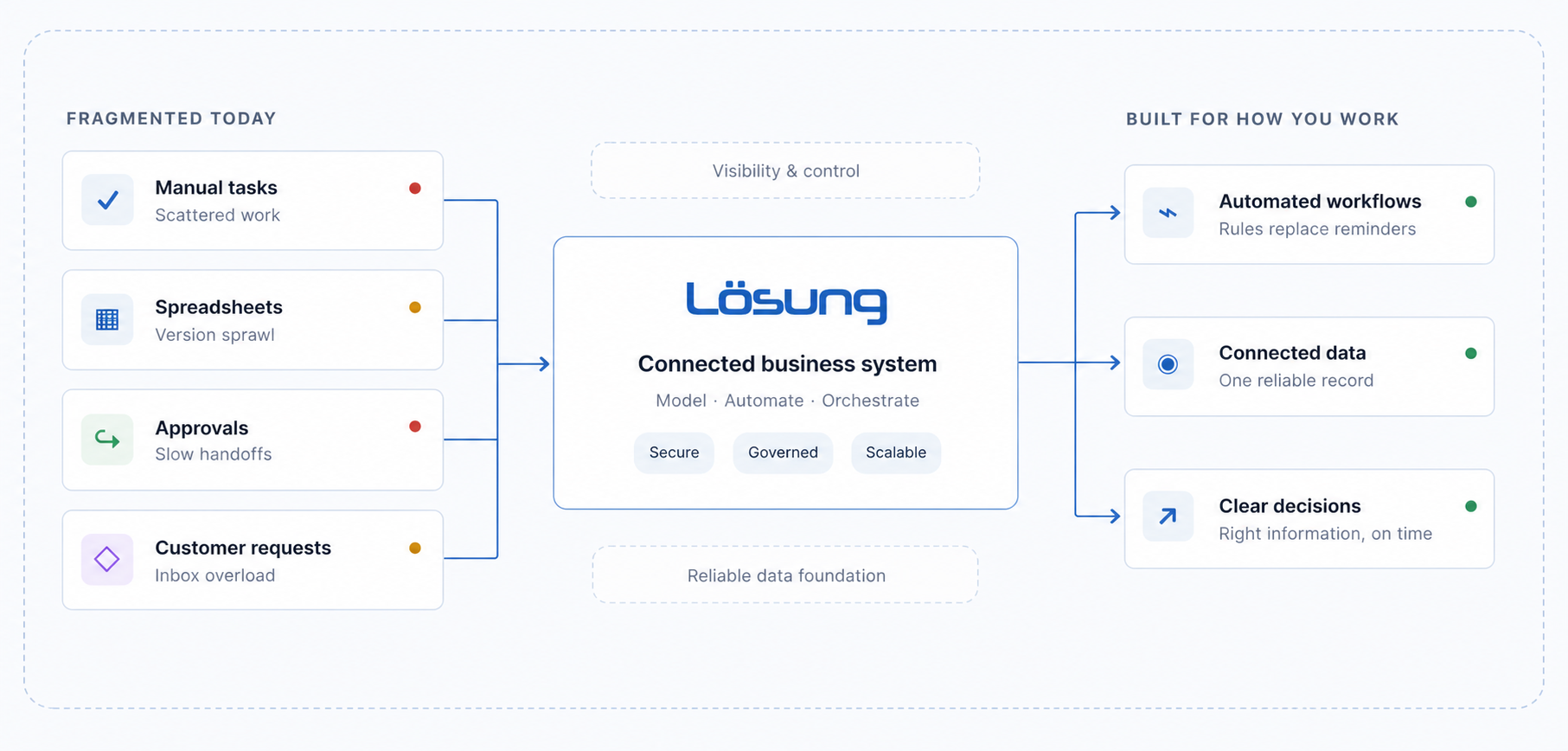
The problem
The problem is that they do not talk to each other.
Each platform does its own job well. Between them sit people, copying, checking and fixing what did not arrive.
Integration model
The integration defines where data starts, which system owns it, what should move, and what happens when a transfer fails.
What we deliver
The tools involved, the records they hold, the owner of each record, and the required handoffs.
Triggers, field mappings, business rules, approval points, and exception handling.
Tested connections built through suitable APIs, webhooks, middleware, or secure workflows.
Clear signals when a synchronization is delayed, rejected, duplicated, or incomplete.
A readable record of how the integration works, who owns it, and how changes are handled.
Technology environments
We design around the platforms in place and the records, controls, workflows, and ownership model they need to support. Examples are illustrative; Losung does not imply vendor certification or partnership.
Salesforce · HubSpot Enterprise · Microsoft Dynamics
NetSuite · SAP · Oracle · Microsoft Dynamics 365
ServiceNow · Jira · internal platforms · custom applications
Microsoft 365 · SharePoint · Confluence · Google Workspace
Snowflake · Databricks · SQL platforms · APIs · data warehouses · internal data environments
Integration questions
Begin by identifying the record that needs to move, the system that owns it, the event that should trigger the transfer, and what should happen when the transfer fails. The connection can then be built through a native connector, API, webhook, middleware platform, or focused custom service.
Business systems integration connects applications and data so information can move reliably between them. A good integration also defines ownership, validation, exceptions, monitoring, security, documentation, and the people responsible for changes.
Often, yes. The options depend on whether the system provides an API, webhooks, exports, database access, or another approved interface. We assess those options before recommending custom work.
Cost depends on the number of systems, data fields, business rules, security requirements, failure handling, testing, and ongoing monitoring. We define the integration boundary and dependencies before estimating the work.
Every integration includes documentation and a named ownership model. Losung can provide ongoing support, or hand the system over to your team or technology partner with the operating information they need.
The design should detect delayed, rejected, duplicate, or incomplete transfers and route them to a visible exception process. Silent failure is treated as a system defect, not an acceptable operating model.